

Table of Contents
Why Most New WooCommerce Stores Remain Invisible
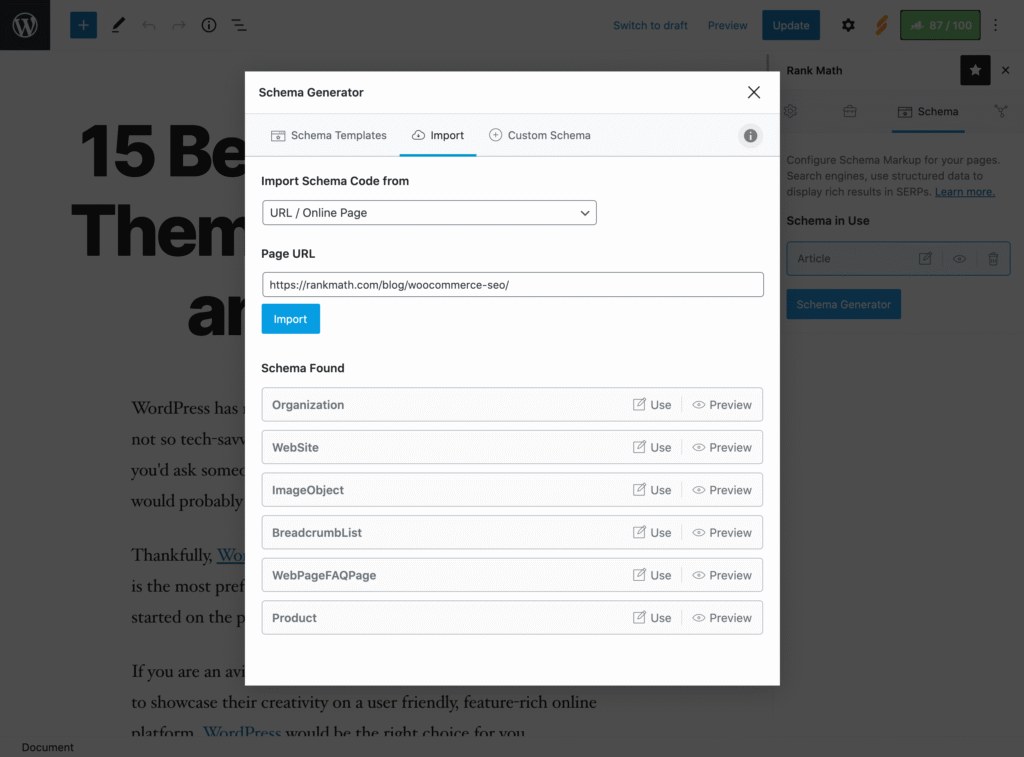
Launching your online store is thrilling, but the reality hits hard when your product pages get zero visitors for days or even weeks. In 2025, Google’s search algorithms are laser-focused on user experience, content quality, and—crucially—structured data. For new WooCommerce store owners, RankMath’s advanced Product Schema is the shortcut to lifting your first product page from invisible to discoverable, fast.
Why Product Schema is Your First SEO Move
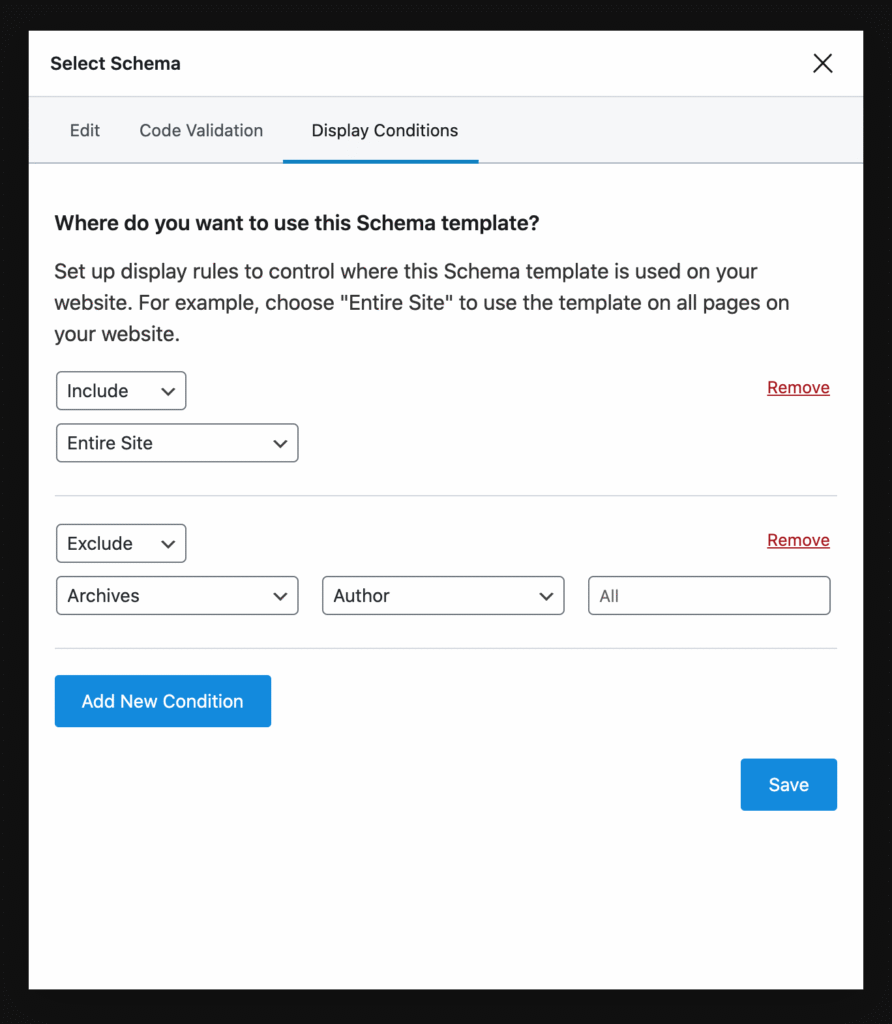
Product Schema is a special code added to your product pages that tells Google exactly what you’re selling: name, price, brand, ratings, and more. This structured data powers “rich results”—the extra information like star ratings, price, and stock status that helps your products stand out in search. In saturated niches, having the right schema can be the edge that gets you seen when other new stores are ignored.
- Product schema boosts your click-through rate by making your products more eye-catching in search results.
- RankMath ensures product details, reviews, and even FAQs are marked up perfectly for Google, increasing every page’s chances of ranking and winning clicks.
RankMath WooCommerce Product Schema: The Ultimate Step-by-Step Setup Guide

Ready to set up Product Schema for your WooCommerce store? Here’s how to do it in under an hour:
- Install & Activate RankMath: Add and activate the RankMath plugin from your WordPress dashboard. Enable the WooCommerce module in RankMath’s dashboard.
- Select Product Schema: Go to your product page, scroll down to the RankMath SEO box, and select “Product” schema. This should be automatic, but always check it’s enabled.
- Fill In Schema Details:
- Name, SKU, price, availability, and brand
- GTIN/MPN for global identifiers (optional but recommended for Google Shopping)
- Add product images with alt text
- Leverage Content AI: Use RankMath’s Content AI suggestions to optimize your descriptions and meta tags with high-ranking, relevant keywords.
- Enable FAQ & Review Schema: Add an FAQ block to your product description and enable Review aggregation so customer ratings appear in search.
- Test Your Schema: Use Google’s Rich Results Test or RankMath’s built-in validation to check for errors and confirm rich data rendering.
RankMath Schema vs. Default WooCommerce Schema: Why You Need the Upgrade
Switching from WooCommerce’s default schema to RankMath often results in increased visibility—case studies show up to 28% higher click-through rates within weeks of making the switch.
Fixing Zero Product Traffic: Why RankMath’s WooCommerce Schema is Your First SEO Tool
Stuck at zero product traffic? You’re not alone. Most beginners miss schema setup, leaving Google guessing what their pages are about. RankMath’s WooCommerce Schema fills in the gaps, helping your store qualify for product carousels and rich results—two big drivers of product discovery in 2025.
Case Study: A specialty running gear store implemented RankMath’s Product and Review Schema. Within three weeks, 60% of product pages displayed rich results and click-through rates soared by almost 30%—with no extra ad spend.
WooCommerce SEO for Beginners: How to Use RankMath Schema to Stop Being Invisible
If you’re a total beginner, start with this action checklist:
- Complete every rankable product field (name, SKU, price, images, brand)
- Write unique, clear product descriptions using suggested keywords from RankMath Content AI
- Add an FAQ section to your product page (include 2-4 real questions customers might ask)
- Activate aggregated Review Schema—make sure you show actual customer reviews
- Add breadcrumbs for easy navigation (RankMath helps automate this)
- Validate your product schema using Google’s Rich Results Test
These steps alone are often enough to trigger Google’s interest and get your first impressions and clicks within days.
The Single RankMath Setting That Will 5x Your WooCommerce Product Visibility Overnight
Many beginners overlook one powerful setting: AggregateRating and Brand fields in RankMath’s Product Schema. Enabling these fields (with real reviews and a legitimate brand name) dramatically increases eligibility for Google rich snippets—especially for product listings and category carousels. After tweaking these fields, expect to see rich star ratings and brand details appear for your products in Google Search Console in as little as 7 days.
Top FAQs About RankMath Schema for WooCommerce
Q: What is Product Schema and why does it matter for WooCommerce?
Product Schema is structured data Google uses to display your products with extra information (like price, stock, review stars) in search, improving visibility and CTR.
Q: Does RankMath work with variable products and categories?
Yes. RankMath automatically handles schema for variable products and enables customization down to each variation.
Q: How long until rich results appear after schema update?
Usually within 7 to 21 days, but sometimes sooner if your site is already being crawled regularly.
Q: What schema mistakes do new WooCommerce stores make most?
Not filling brand or GTIN fields, missing reviews, duplicate descriptions, or failing to validate schema.
Q: Does schema help with Google Shopping/local SEO?
Absolutely. Product schema is critical for Google Shopping feeds, and adding LocalBusiness schema helps for local SEO.
Q: Should I disable default WooCommerce schema?
Not required—RankMath overrides it as needed, but check for duplication or conflicts after setup.
Reddit, Quora & Real Store Owner Pain Points
Store owners on Reddit often struggle when product schema is broken, missing, or appears on the wrong products. Common issues in 2025 include schema firing across all products due to misconfiguration and missing rich results after what looks like “correct” setup. Key advice from the community: Double-check all fields, validate with Google, and don’t ignore RankMath’s advanced options.
Real Examples & Case Studies
Home Decor Store: Zero traffic issue resolved by adding brand and price fields to Product Schema, leading to first sales in under 10 days without any ads.
Sports Gear Shop: After turning on RankMath’s Product and Review Schema, 60% of product pages won rich results, resulting in a 28% jump in click-through rate in 3 weeks.
Conclusion & Quick Action Plan
For new WooCommerce stores, “getting seen” starts with the right schema strategy—not just publishing your first product and waiting for traffic. With RankMath’s WooCommerce Product Schema, you can turn your first product page from a ghost town to a rich-result superstar in 7 days:
- Install RankMath and enable WooCommerce schema.
- Fill every field in the Product Schema settings—especially reviews, brand, and GTIN.
- Optimize content, add FAQs, and validate with Google.
- Watch your site’s impressions and clicks in Search Console.
If you take just these steps, your WooCommerce store’s journey from zero to hero is already on the fast track.